
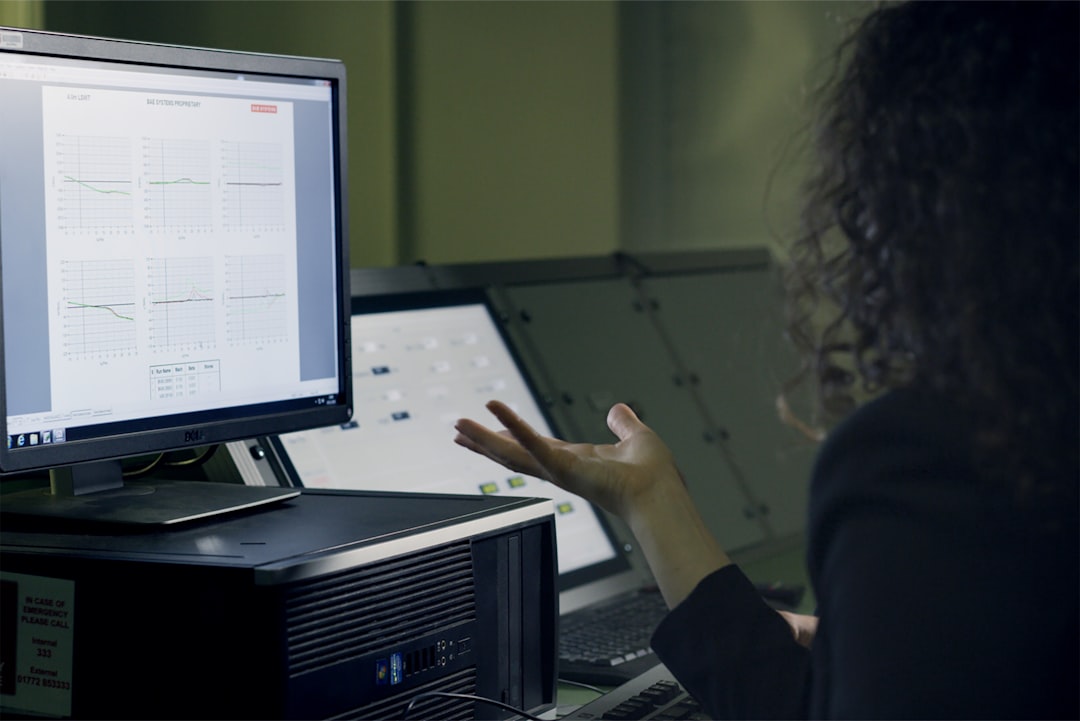
Automated Reporting System
Streamline financial reporting with automated data collection and customizable report templates, saving time and reducing errors.
Key Features
- Automated data collection from multiple sources
- Library of customizable report templates
- Scheduled report generation and distribution
- Data validation and error detection
- Interactive data visualization tools
- Compliance-ready financial statements
- Secure document storage and sharing
- Version control and audit trails
About Automated Reporting System
The Automated Reporting System is a powerful solution designed to transform the financial reporting process in your organization. By automating data collection, standardizing report templates, and streamlining distribution, our system dramatically reduces the time and effort required to create accurate, compliant financial reports. Finance teams can focus on analysis and strategic activities rather than manual report compilation.
Our system addresses the common challenges of financial reporting: data inconsistency, manual errors, time-consuming processes, and difficulty in meeting deadlines. Whether you're preparing management reports, financial statements, regulatory filings, or board presentations, our platform offers the tools to make reporting efficient, accurate, and insightful.
Automated Data Collection
The system connects to your financial databases, ERP systems, and other data sources to automatically gather the required information for your reports. Data mapping tools allow you to specify exactly what information should be collected and how it should be organized. Scheduled data refreshes ensure that your reports always contain the most current information.
Customizable Templates
Our platform includes a comprehensive library of report templates that meet industry standards and regulatory requirements. These templates can be customized to match your organization's specific needs, branding, and presentation preferences. The template designer offers both drag-and-drop simplicity and advanced customization options for users of all technical levels.
Quality Assurance
Built-in data validation rules automatically check for inconsistencies, outliers, and potential errors. When issues are detected, the system provides clear alerts and guidance for resolution. Historical data comparisons help identify unusual variances that might require investigation. This quality assurance framework significantly reduces the risk of errors in your financial reporting.
Distribution and Collaboration
Once reports are generated, they can be automatically distributed to stakeholders according to predefined schedules and access permissions. Recipients can view reports online, download them in various formats, or receive them by email. Collaboration features allow for comments, questions, and annotations directly within reports, facilitating discussion and refinement.
Technical Specifications
Frequently Asked Questions
How much time can we expect to save with the Automated Reporting System?
Most organizations report time savings of 60-80% compared to manual reporting processes. The exact savings depend on the complexity of your current reporting processes and the number of reports you generate. Customers typically see the greatest time savings in data collection, validation, and formatting, which are fully automated in our system.
Can the system handle our custom calculations and metrics?
Yes, our system includes a robust formula builder that can handle virtually any financial calculation, from basic arithmetic to complex financial metrics and KPIs. You can define custom calculations once and then reuse them across multiple reports. The formula builder supports conditional logic, time-based comparisons, and aggregation functions.
How does the system ensure the accuracy of our reports?
Our system employs multiple layers of quality assurance: data validation rules check for inconsistencies and outliers as data is imported; reconciliation tools verify that reports balance correctly; comparison with historical data identifies unusual variances; and built-in approval workflows ensure proper review before reports are finalized.
Can we maintain our current report designs and formats?
Absolutely. Our template designer can replicate your existing report designs while adding automation capabilities. Alternatively, you can start with our standard templates and customize them to match your organization's branding and preferences. The system supports pixel-perfect positioning of elements, custom fonts, colors, and logos.
How secure is the data in the reporting system?
Security is paramount in our design. All data is encrypted both in transit and at rest. Role-based access controls ensure that users can only access the reports and data they're authorized to see. The system maintains detailed access logs for audit purposes and supports multi-factor authentication for additional security. Our cloud infrastructure complies with SOC 2 Type II standards.
What kind of support do you provide during implementation?
We offer comprehensive implementation support, including data mapping assistance, template design services, integration configuration, and user training. A dedicated implementation manager will guide you through the entire process. Post-implementation, our technical support team is available 24/7 to address any issues or questions.
Related Products

Financial Planning Suite
$1,999
Comprehensive financial planning software with budgeting, forecasting, and scenario analysis tools.
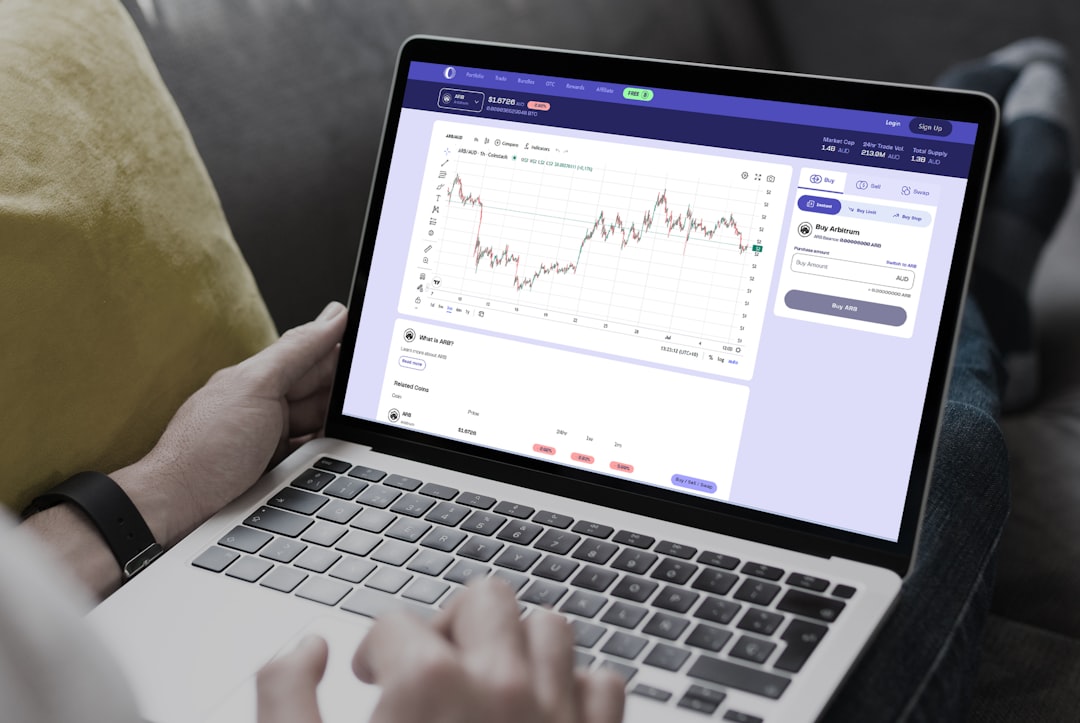
Financial Analytics Platform
$3,299
Advanced analytics tools with predictive modeling and business intelligence capabilities.